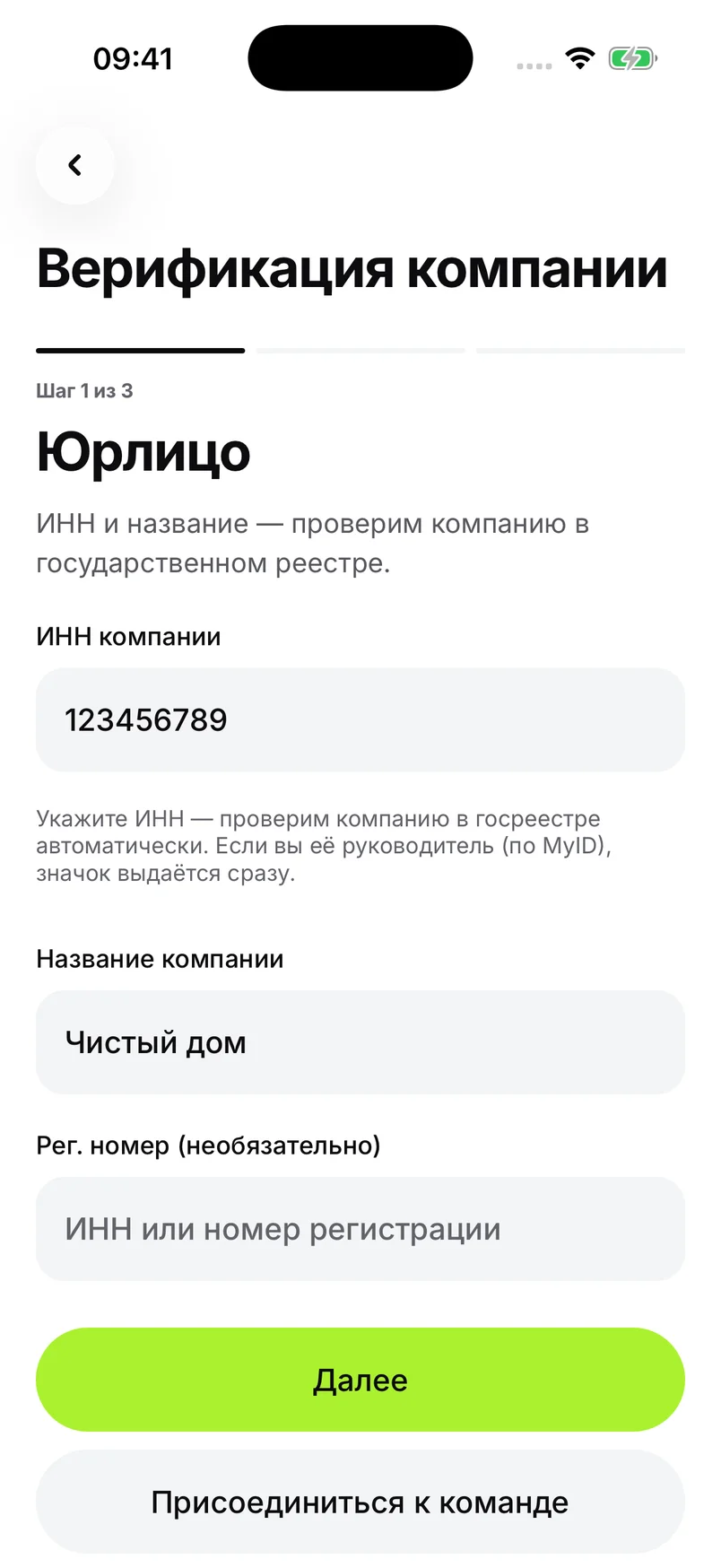
Register your company
Enter the name and tax ID in your app profile, and attach your registration certificate. The manager verifies their identity with MyID. Wait for review.
Your rates, orders and team in one app. The customer chooses your company; you assign a team member.
Install the app first. Company registration is in your profile.
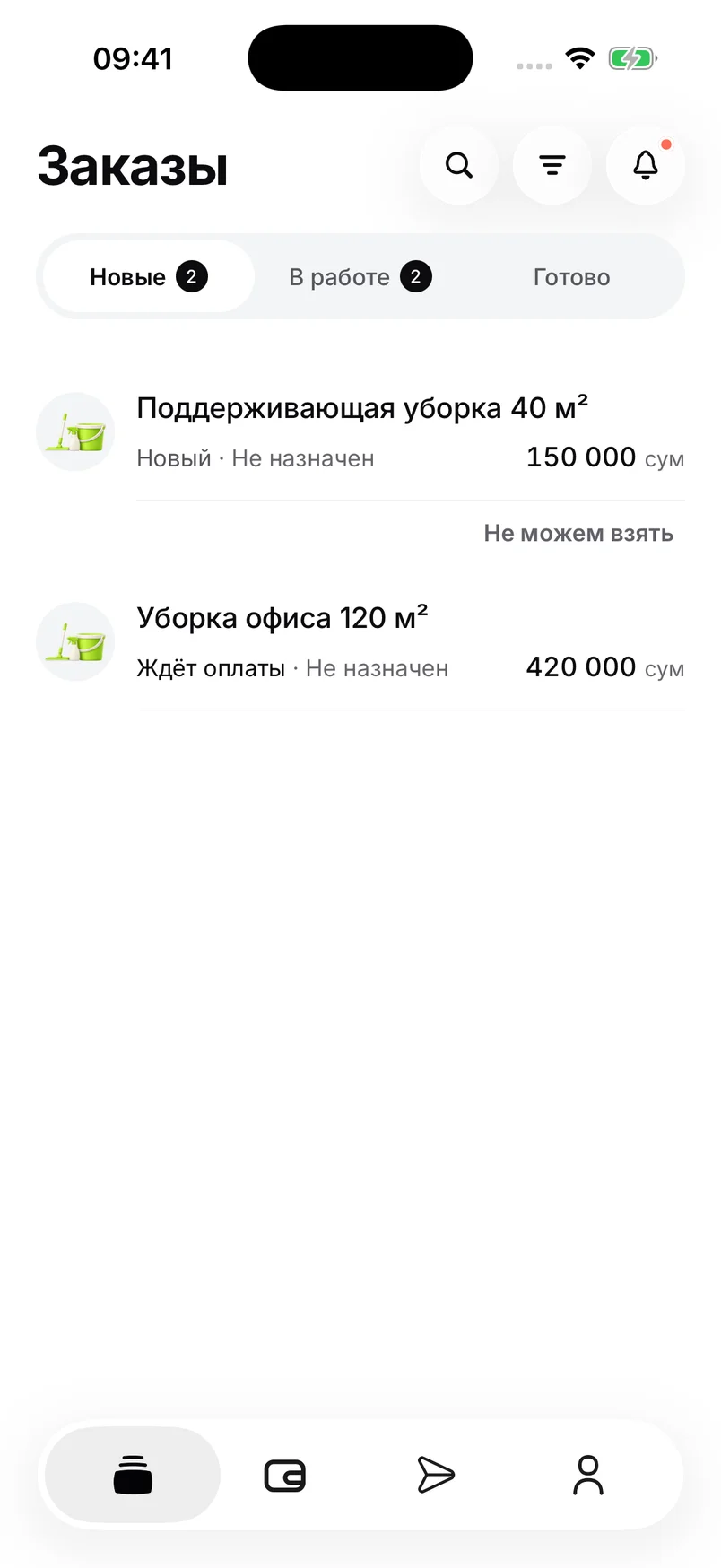
Actual app screens. Screenshot data and prices are examples; the interface shown is in Russian.
Four steps for the company manager.
Enter the name and tax ID in your app profile, and attach your registration certificate. The manager verifies their identity with MyID. Wait for review.
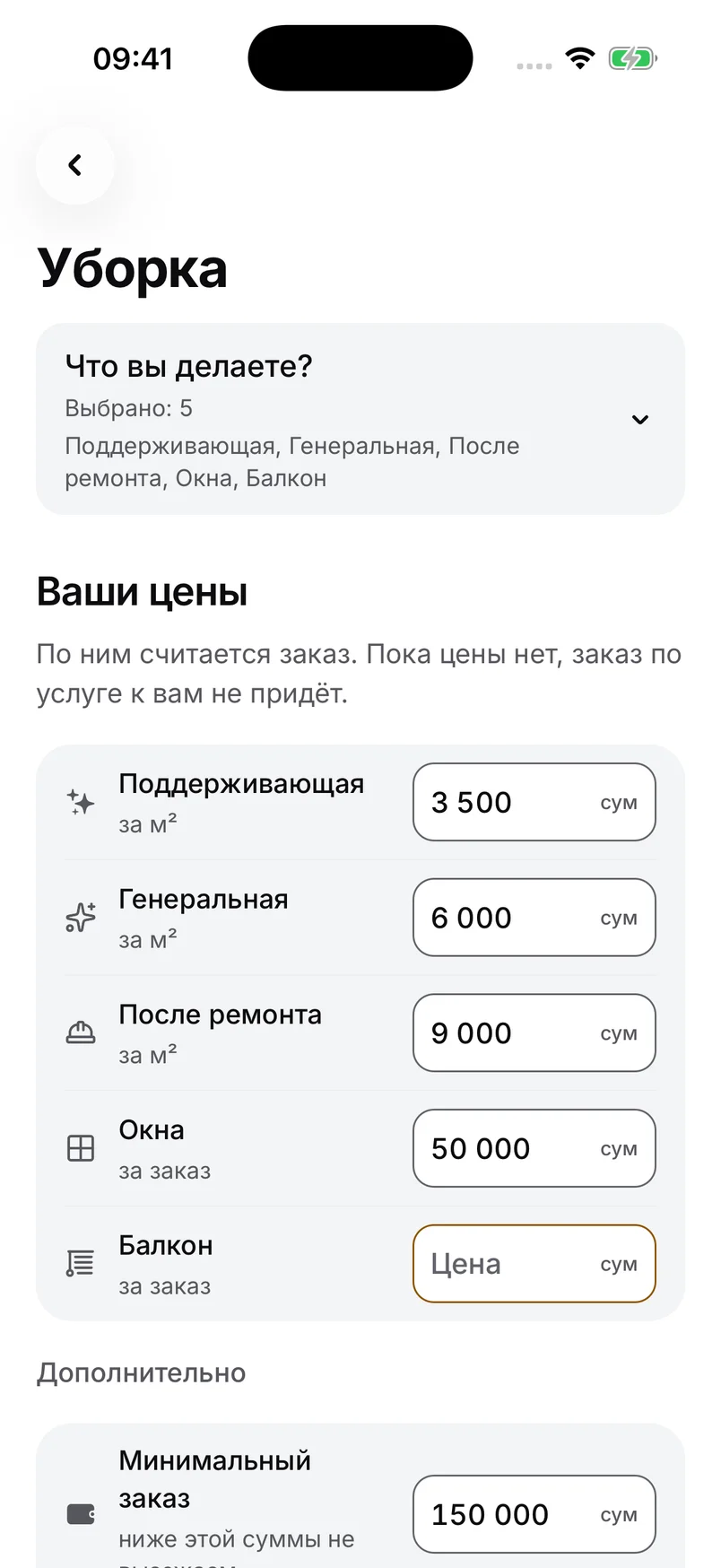
After approval, choose the work you offer, set your rates and add your company bank details.
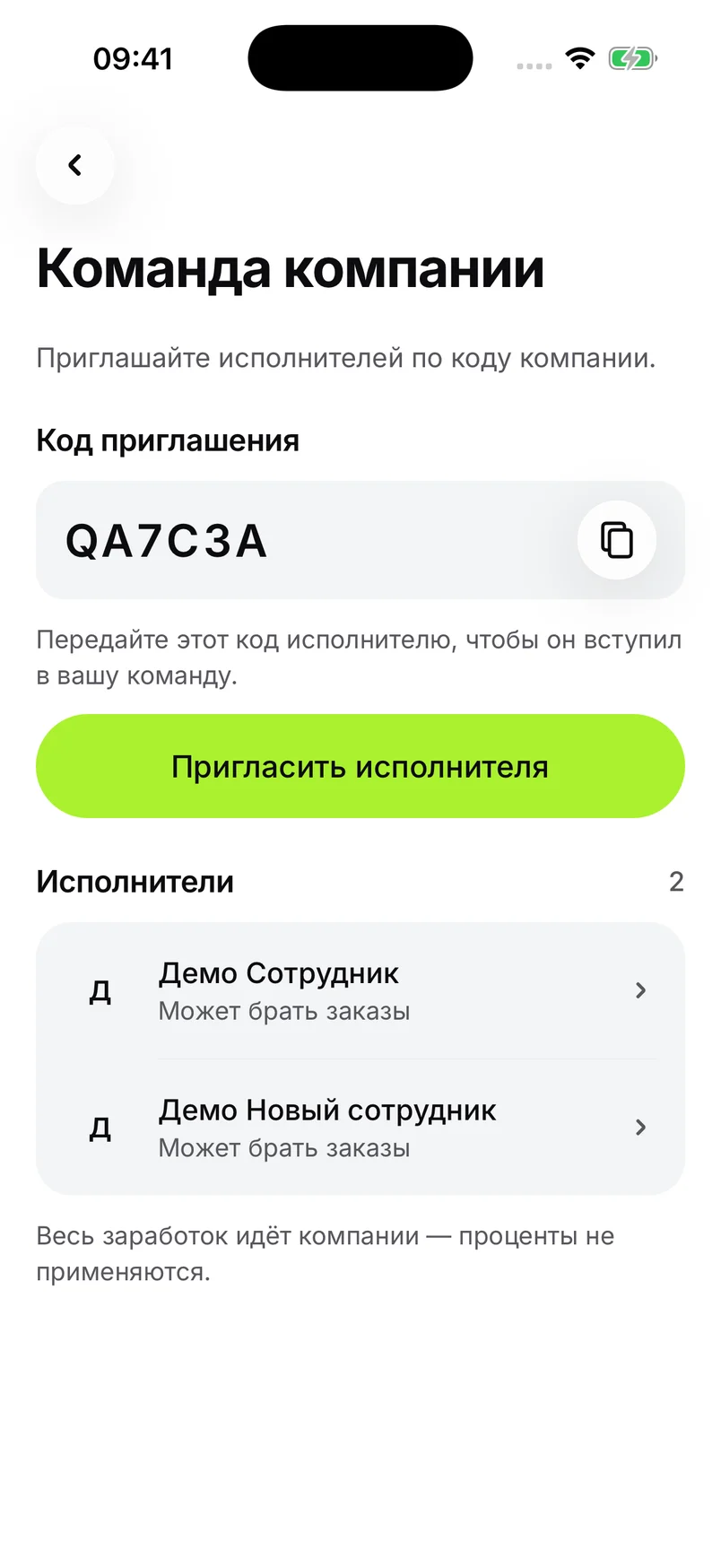
Share your company code. Each employee signs in with their own number and completes personal activation.
The order goes to the company chosen by the customer. Assign an activated employee and follow the work.
Free to join. Orders depend on demand and customer choice; we do not guarantee a daily volume.
A customer’s first order with your company: 10%, minimum 2 000 UZS. Their subsequent orders: 3%, no minimum. The fee is deducted from earnings.
No mandatory subscriptionAfter acceptance, earnings reach your company balance. Bank withdrawal requests are processed within 3 business days; crediting depends on the bank. Your company pays its employees.
Send your price list as a file, photo or text; we can help enter services and prices. Managers and employees complete MyID and personal consents themselves.
Everyone uses their own account. An invitation code does not replace identity verification. If an employee declines, the order returns to the company for reassignment.
Download the app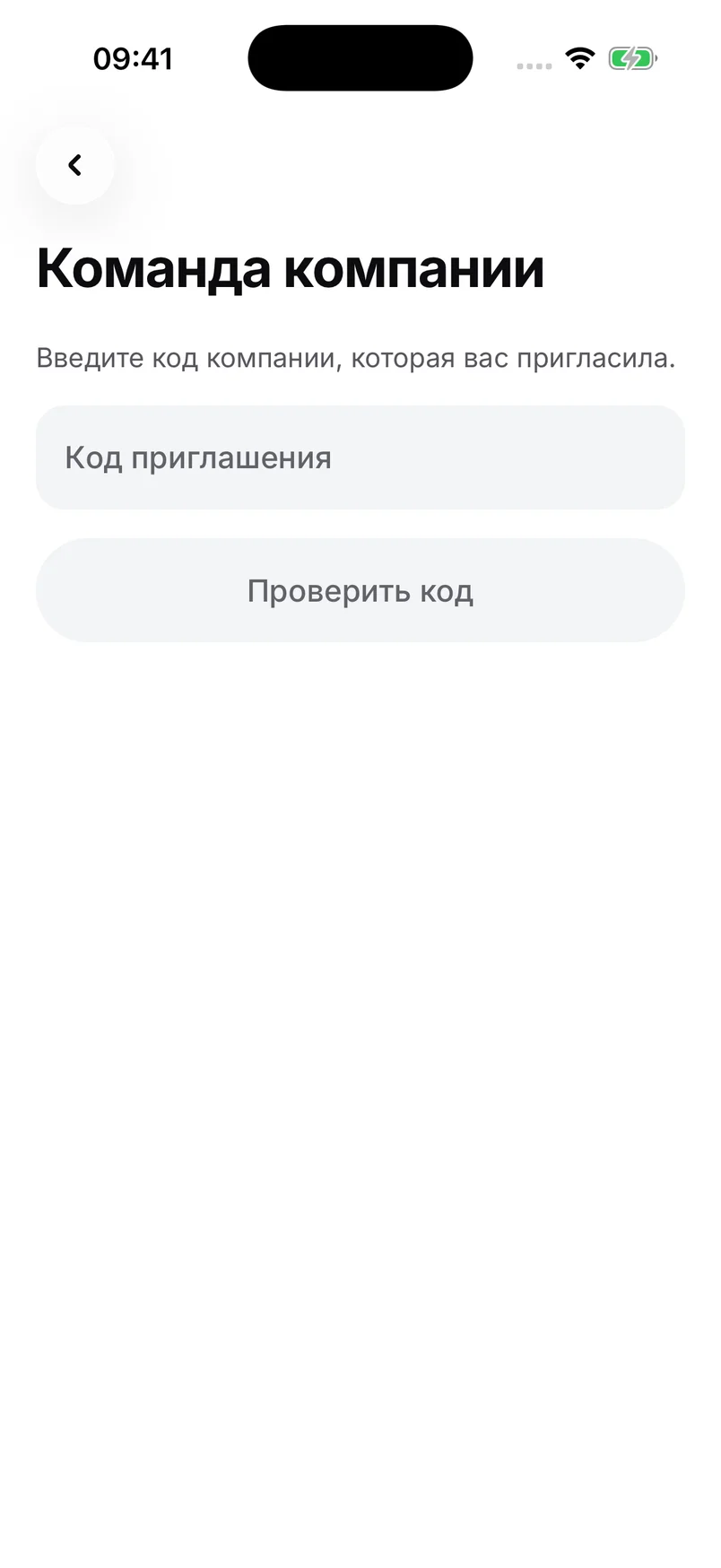
Support: support@png.uz · @pingy_robot
Manage your company in the app. Your company, messages and progress in one place.

Install the app first. Company registration is in your profile.

